Manga colorizer
for any comic page
Colour any manga or comic page. 3 free pages a day, no sign-up.
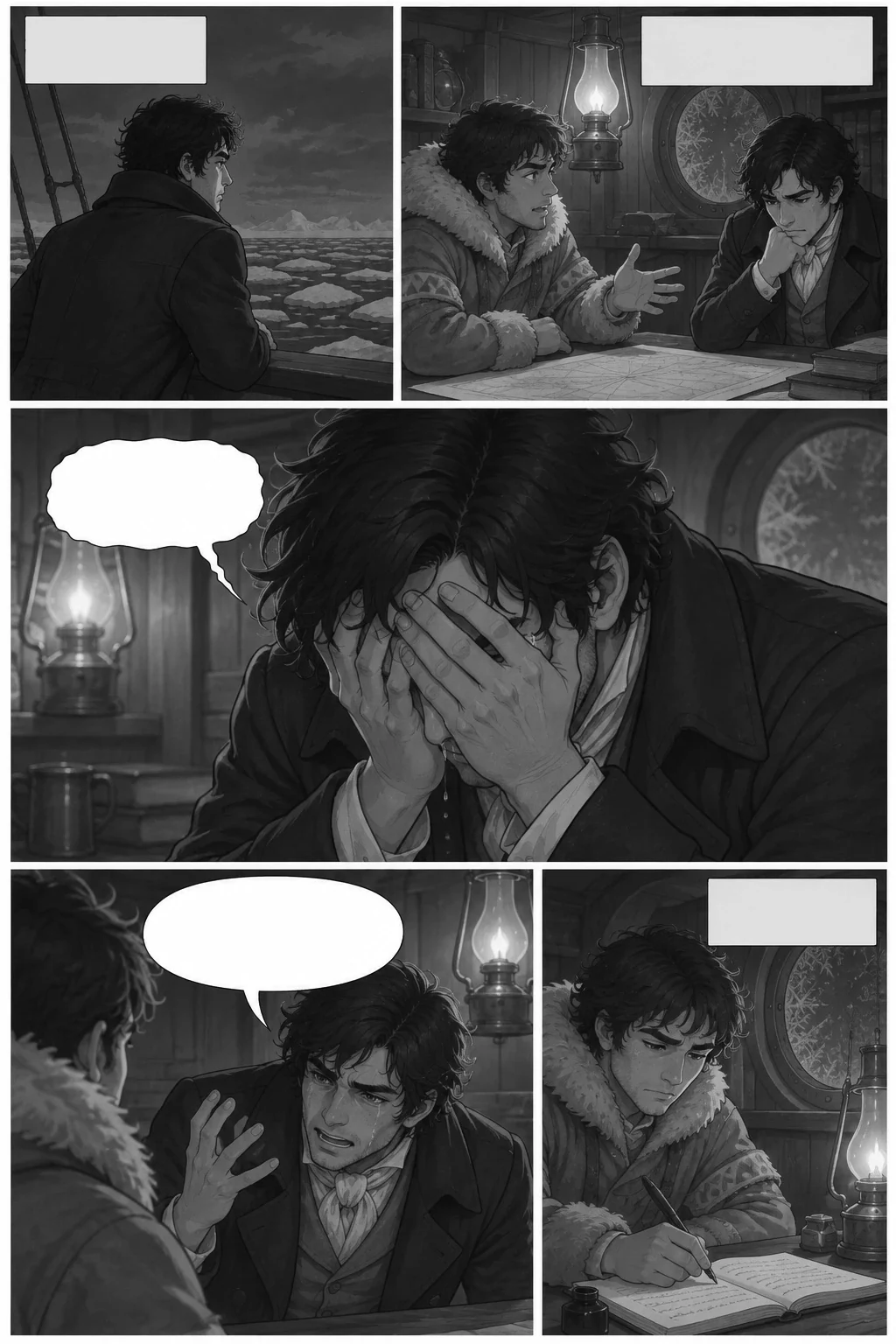
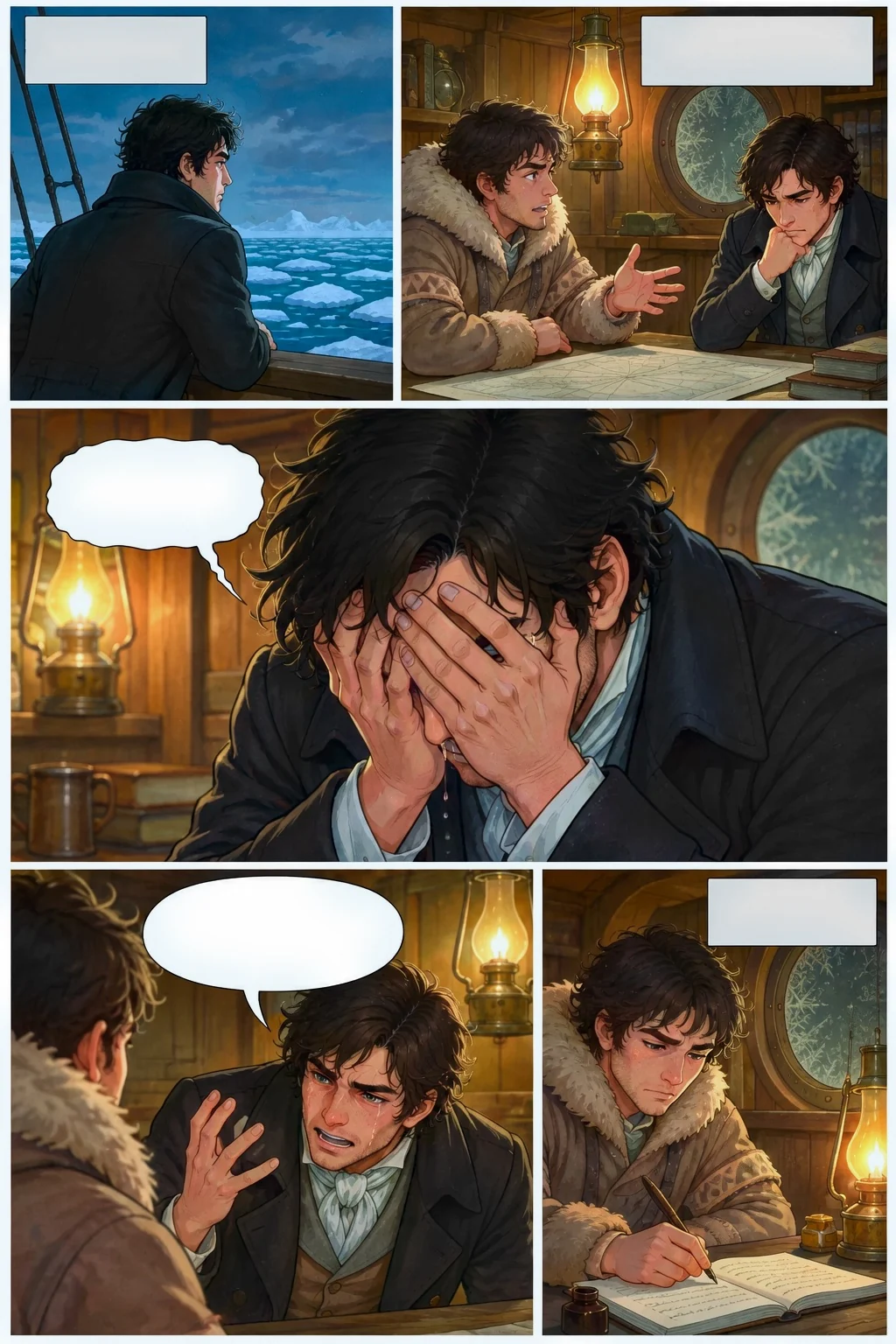 ColourBlack and white
How to colorize a manga page
- 1
Upload a page
Drop in any black-and-white page.
- 2Colorize
Colorize it
Add colour while keeping the line art and lettering.
- 3PNG
Compare and download
Compare, then save it as a PNG.
 Colorize with Storieta
Colorizing, answered
Yes. You can colour 3 pages a day with no sign-up, or 10 a day with a free Storieta account. There is no watermark, and each page downloads as a PNG.
It is sent once to be coloured and comes straight back to your browser. Storieta does not store it, and it is not used to train models.
Yes. The colorizer changes colour only, so lines, faces, panel borders, balloons and their lettering stay as they were drawn.
Black-and-white manga and comic pages, sketches and line art. It also works on old black-and-white photos and drawings.
Yes. Manga Colorizer for Chrome colours manga, manhwa and comics on the site you are reading: right-click a page to colour it, or colour a whole chapter from the extension’s button.
Up to about 1.5 megapixels, such as 1024 by 1536 for a manga page. That is sharp enough to read on any screen.
Storieta turns your book into a comic
Upload an EPUB or PDF and read it drawn in full colour, in the book’s own words.